How to Ace a Video Interview: Tips for Remote Job Seekers in 2026
Video interviews are now the standard for remote hiring, and acing one requires more than just a good resume. In 2026, employers expect candidates to demonstrate technical readiness, polished communication, and a professional virtual presence. The key to success is preparation: test your equipment, optimize your background, master your lighting, and practice concise answers. This guide delivers actionable tips to help you stand out, from pre-interview tech checks to post-interview follow-ups. Whether you’re a seasoned remote worker or new to virtual hiring, these strategies will boost your confidence and increase your chances of landing the job.

Photo by RDNE Stock project on Pexels
## Why Video Interviews Matter More in 2026
Remote work continues to dominate the job market. Companies now use video interviews as the primary screening tool. According to recent hiring data, over 80% of employers prefer video interviews for initial rounds. This shift means your ability to communicate through a screen is just as important as your skills. Hiring managers assess not only your answers but also your setup, eye contact, and energy. A weak video presence can cost you the role, even with a stellar resume.
### The Rise of AI-Powered Interview Platforms
In 2026, many companies use AI tools to analyze candidate responses. These platforms evaluate tone, clarity, and engagement. To pass AI screening, speak clearly, avoid filler words, and maintain a steady pace. Practice with a timer and record yourself to identify areas for improvement. Remember: AI looks for confidence, not perfection.
## Pre-Interview Preparation: Your Foundation for Success
Preparation starts 24 hours before the interview. Don’t wait until the last minute. Follow this checklist to ensure a smooth experience.
### 1. Test Your Technology
- Internet connection: Use a wired connection or sit close to your router. Run a speed test—aim for at least 10 Mbps upload/download.
- Camera and microphone: Test your webcam and mic in the software you’ll use (Zoom, Google Meet, etc.). Adjust the angle so your eyes are at the top third of the screen.
- Backup plan: Have a phone or secondary device ready in case your computer fails.
### 2. Optimize Your Environment
- Choose a quiet room with minimal echo. Close doors and windows.
- Remove distractions: Silence notifications, close browser tabs, and inform housemates.
- Background: Use a neutral wall or a tidy bookshelf. Avoid virtual backgrounds—they can glitch or distract.
### 3. Master Your Lighting
Natural light is best. Position yourself facing a window. If that’s not possible, use a ring light placed directly behind your camera. Avoid overhead lights that cast shadows on your face. The goal is even, soft illumination.

Photo by ahmed akeri on Pexels
## During the Interview: Techniques to Impress
Your performance in the interview determines the outcome. These tactics will help you appear polished and professional.
### Maintain Strong Eye Contact
Look directly at the camera, not the screen. This simulates eye contact with the interviewer. Practice by placing a sticky note with a smiley face next to your camera lens. It sounds silly, but it works. Avoid staring at yourself—it’s distracting.
### Use Confident Body Language
- Sit upright with your shoulders back. Lean slightly forward to show engagement.
- Use hand gestures sparingly. Keep them within the frame and natural.
- Smile genuinely when greeting and during pauses. It builds rapport.
### Speak with Clarity and Pace
- Pause before answering to collect your thoughts. A 2-second silence feels natural.
- Avoid filler words like “um,” “like,” and “you know.” Replace them with a breath.
- Slow down if you tend to rush. Aim for 150-160 words per minute.
### Structure Your Answers with the STAR Method
When answering behavioral questions, use the Situation, Task, Action, Result framework. This keeps your response focused and impactful.
| Element | Example |
|---|---|
| Situation | “In my previous role, our team missed a critical deadline.” |
| Task | “I needed to reorganize the workflow to meet the next deadline.” |
| Action | “I created a shared tracker and held daily stand-ups.” |
| Result | “We delivered the project two days early with zero errors.” |
Practice 3-5 STAR stories relevant to the job description.
## Common Video Interview Mistakes to Avoid
Even experienced candidates make errors. Steer clear of these pitfalls.
- Looking down at notes: Glancing away breaks eye contact. Use a second monitor or sticky notes placed near the camera.
- Checking the time: It signals disinterest. Keep your watch off or out of sight.
- Eating or drinking: Water is fine. Avoid snacks, gum, or coffee during the call.
- Fidgeting: Touching your face, hair, or desk distracts the interviewer. Keep hands still.
## Post-Interview Follow-Up: Seal the Deal
Your actions after the interview matter. A strong follow-up can tip the scales in your favor.
### Send a Thank-You Email
Within 24 hours, send a concise email to your interviewer. Mention something specific from the conversation—a project they discussed or a skill they valued. This shows you listened and are genuinely interested. Keep it to 3-4 sentences.
Example:
*“Thank you for your time today. I especially enjoyed learning about your team’s focus on agile workflows. I’m confident my experience with Scrum can add value. Looking forward to the next steps.”*
### Reflect and Improve
After each interview, note what went well and what you’d change. Track your performance in a simple spreadsheet. Over time, you’ll spot patterns and refine your approach.
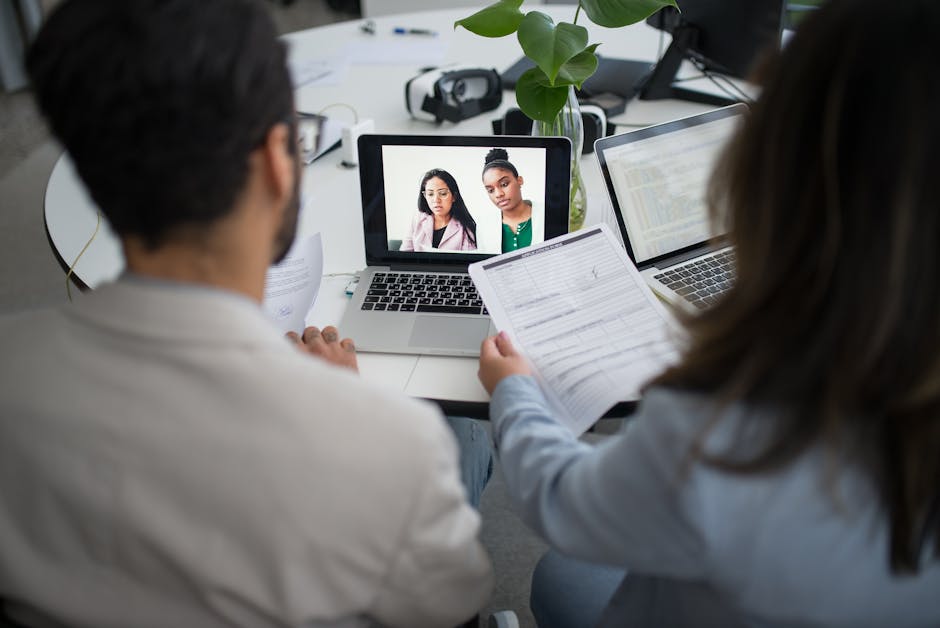
Photo by Kampus Production on Pexels
## Comparison: Video Interview vs. In-Person Interview
Understanding the differences helps you adapt your strategy.
| Aspect | Video Interview | In-Person Interview |
|---|---|---|
| Setup | Requires tech check, lighting, background | No setup needed |
| Eye contact | Look at camera, not screen | Look directly at interviewer |
| Body language | Limited to upper body | Full body visible |
| Distractions | High risk (tech, noise, pets) | Lower risk |
| Feedback cues | Harder to read | Easier to read |
| Preparation | More technical prep required | More social prep required |
## Final Tips for 2026 Remote Job Seekers
- Record a mock interview using free tools like Zoom or Loom. Review your body language and tone.
- Dress professionally from head to waist. Unexpected technical issues can force you to stand up.
- Arrive early—log in 5 minutes before. Use that time to adjust settings and calm nerves.
- Stay hydrated but avoid large meals beforehand. A light snack keeps energy steady.
## Conclusion
Acing a video interview in 2026 is about preparation, presence, and follow-through. By testing your tech, optimizing your environment, and practicing your delivery, you can present yourself as a confident, capable candidate. Remember: every interview is a learning opportunity. Apply these tips consistently, and you’ll see improvement with each call.
Ready to land your next remote job? Visit hireplan.online for more resources—including interview guides, resume templates, and job search checklists. Download your free toolkit today and take the next step in your career.